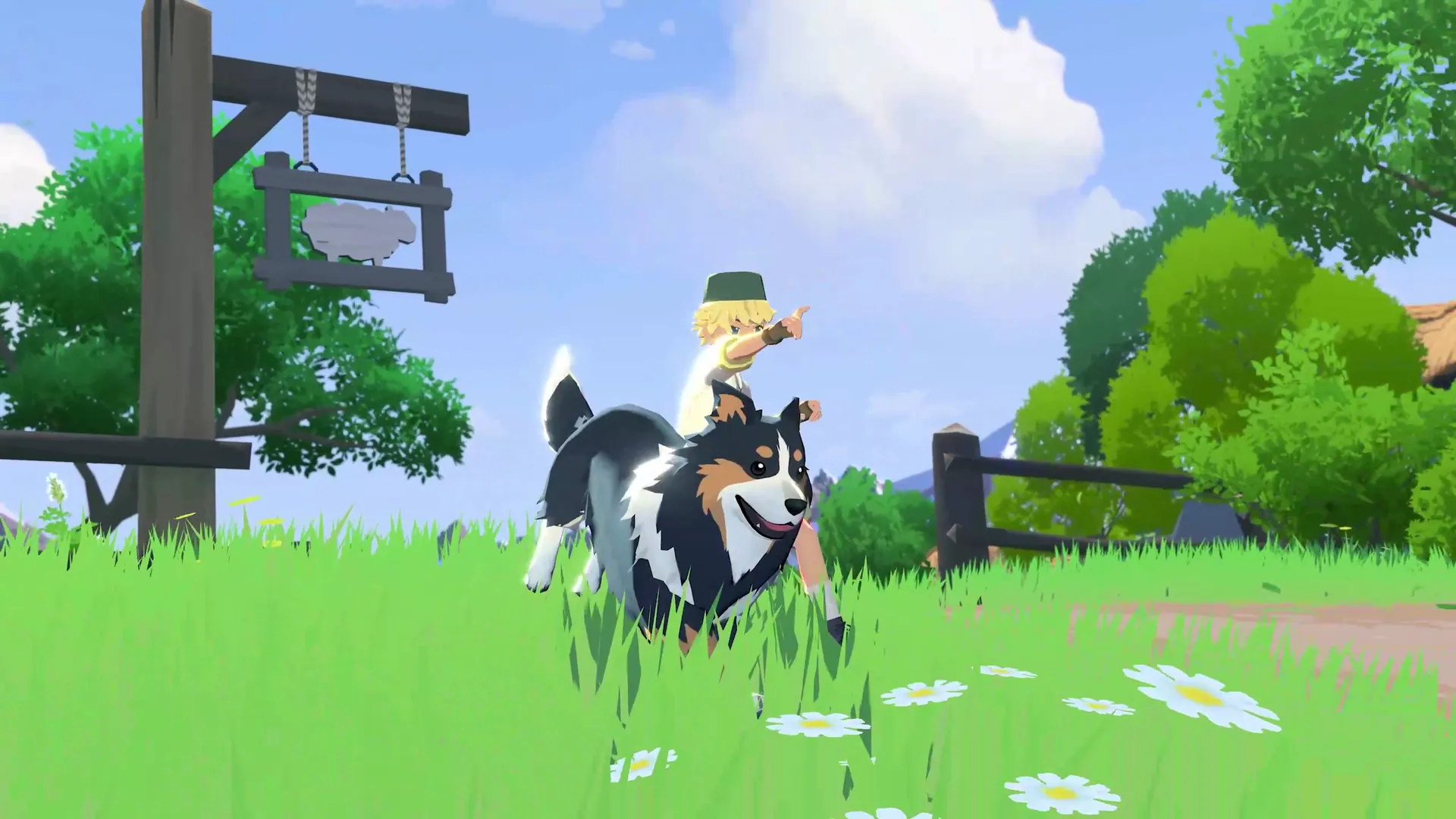
Source · Mabinogi Mobile Official Website
From roster management to party recruiting Moanogi covers it all
- All Features Free
- Guild Members Join With Just a Guild Code
- Korea · Taiwan · Japan Servers Supported
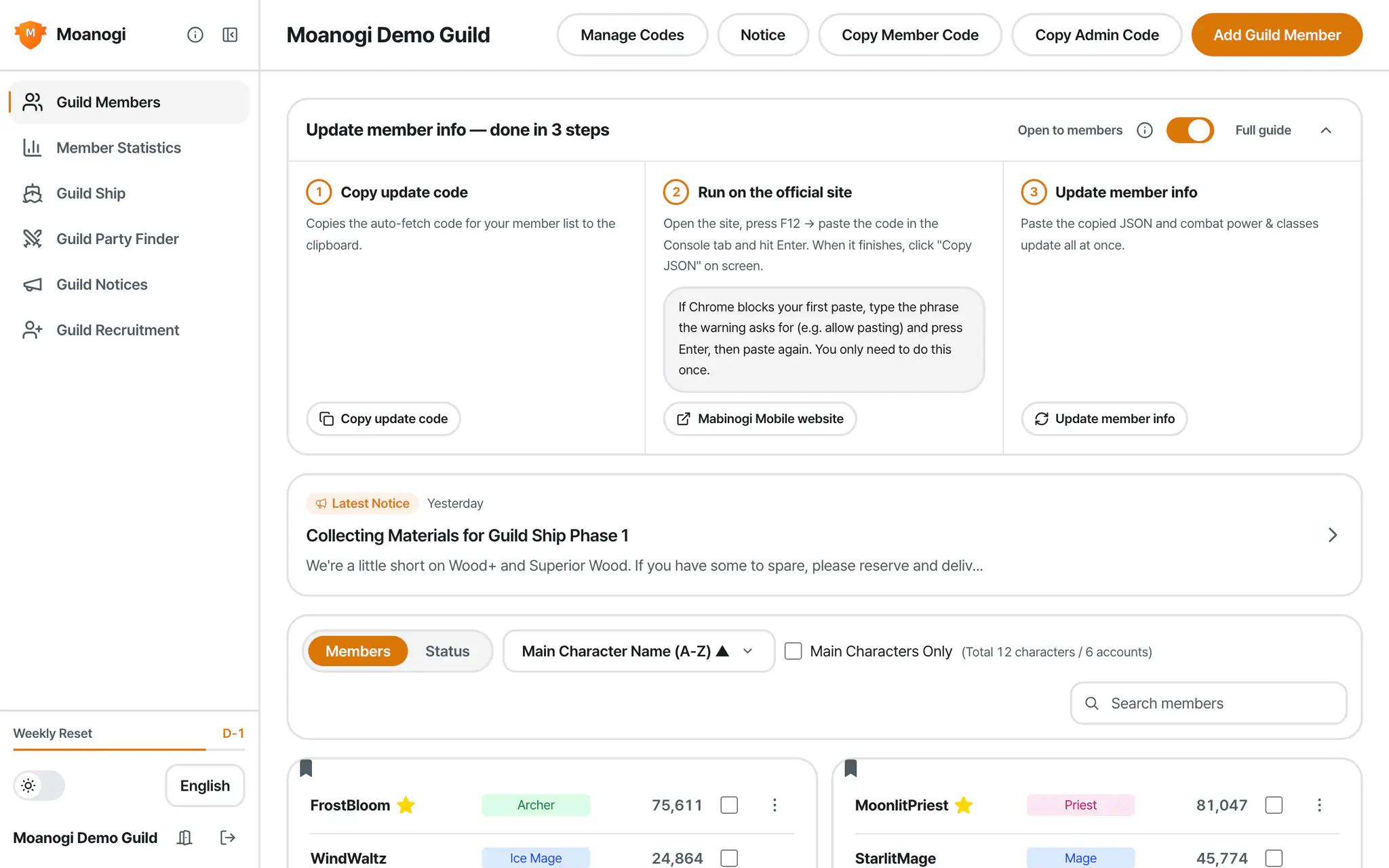
Spending a lot of time on guild admin?Sorting out combat power, checking weekly clears, recruiting parties, tracking ship materials — we've brought everything you used to juggle daily into one place.
Updating combat power takes just one paste.Pull every member's combat power and class from the official ranking in one go.No game account info needed.






Until the next reset
This week's progress88%
Explore Features
Just the screens you open every day
No complicated menus — only the screens guilds actually use day to day.
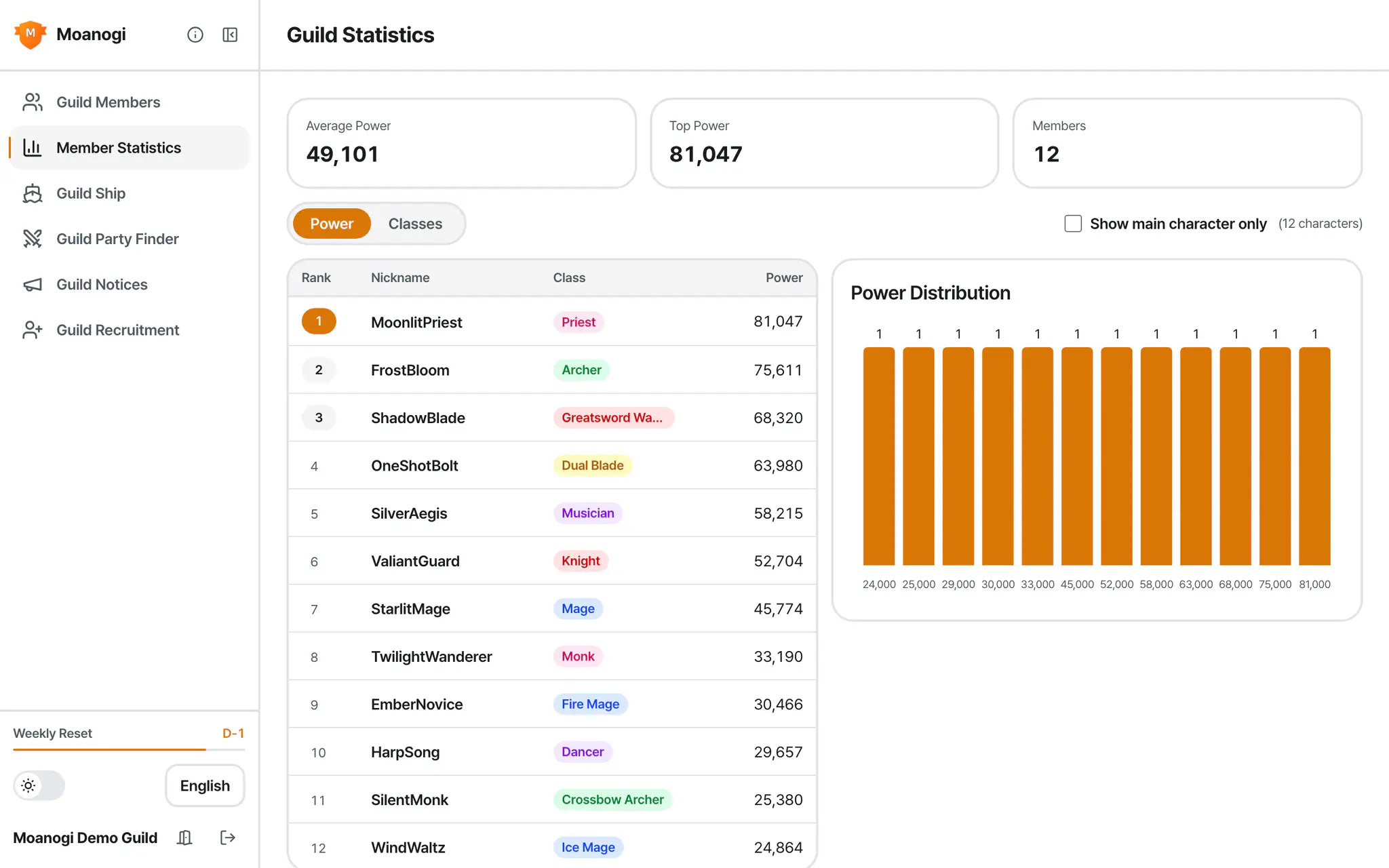
- Search by name and sort by combat power
- Filter down to representative characters only
- Leave a note on each member
- Average and top combat power in one view
- Rankings line up by representative character
- Class distribution shown alongside
- See completed, reserved, and remaining amounts per material
- Contributions broken down with color bars
- Jump straight into logs and stats from here
- Browse by dungeon and recruitment status
- Recruiting, full, and completed counts shown up front
- Apply, then the party leader approves
- Pick your criteria and see the best matches first
- Compare match scores and intros side by side
- Post and manage your own guild's listing too
Before You Start
All you need to know
Simple enough even for first-timers.
Guild masters sign in with Google, members use a code
The guild master creates the guild with Google login, and members just enter the code to join.
Each role can do different things
Members, admins, and the guild master each have their own view and edit permissions.
The guild master manages notices
Admins can also write and edit notices, but only if the guild master allows it.
On your phone or your PC
Mobile, tablet, or desktop — use the same features anywhere.
Only what's needed, nothing more
It runs on Google login and stores only the minimum info needed to operate.
Latest Mabinogi Mobile News
Browse the latest notice, update, and event titles gathered from the official website.Tap a title to open the original post on the official website.
Titles are shown exactly as posted on the Korea server's official website.Moanogi is an unofficial service not affiliated with NEXON, and the copyright for this news belongs to NEXON Korea Corporation.
Mabinogi Mobile Official Video
Official YouTube Channel
FAQ
Got questions?
- What kind of service is Moanogi?
- Moanogi is a guild management tool for Mabinogi Mobile.Update guild members' combat power and class in one go straight from the official ranking, track weekly Abyss and Raid clear status, and manage a party board, guild recruitment board, and guild notices all in one place.
- Can it be used on the Taiwan, Hong Kong, and Macau servers or the Japan server too?
- Yes.When creating a guild, just choose the region and world.The Taiwan, Hong Kong & Macau server (迪恩・蕾拉・愛麗沙・梅文) supports a Traditional Chinese UI, a weekly reset aligned to Taiwan time (Monday 06:00), and combat power updates linked to the Taiwan official ranking.The Japan server (Tir Chonaill, Dugald Aisle, Dunbarton) supports combat power and class updates linked to the Japan official ranking and an Abyss and Raid weekly check aligned to Japan time (Monday 06:00).
- How do I update guild members' combat power and class?
- Copy the update code from Moanogi, paste it into the F12 console on the Mabinogi Mobile official ranking page, and run it — the guild members' combat power and class are collected as JSON.Paste that JSON back into Moanogi and everything updates at once.No game account information is ever needed.
- Is it free? Do guild members need to log in too?
- Every feature is free.Only the guild master who creates the guild needs to sign in with Google — guild members can join right away just by entering the guild code.
- When does the weekly clear status reset?
- It resets automatically in sync with the game's weekly reset time.The Korea server resets every Monday at 06:00 (KST), and the Taiwan, Hong Kong & Macau server resets every Monday at 06:00 (Taiwan time), and the Japan server resets every Monday at 06:00 (JST).
- Does Moanogi collect guild members' personal information?
- No. It only stores the nickname, class, and combat power already public on the official ranking, and never asks for a password or game account information.
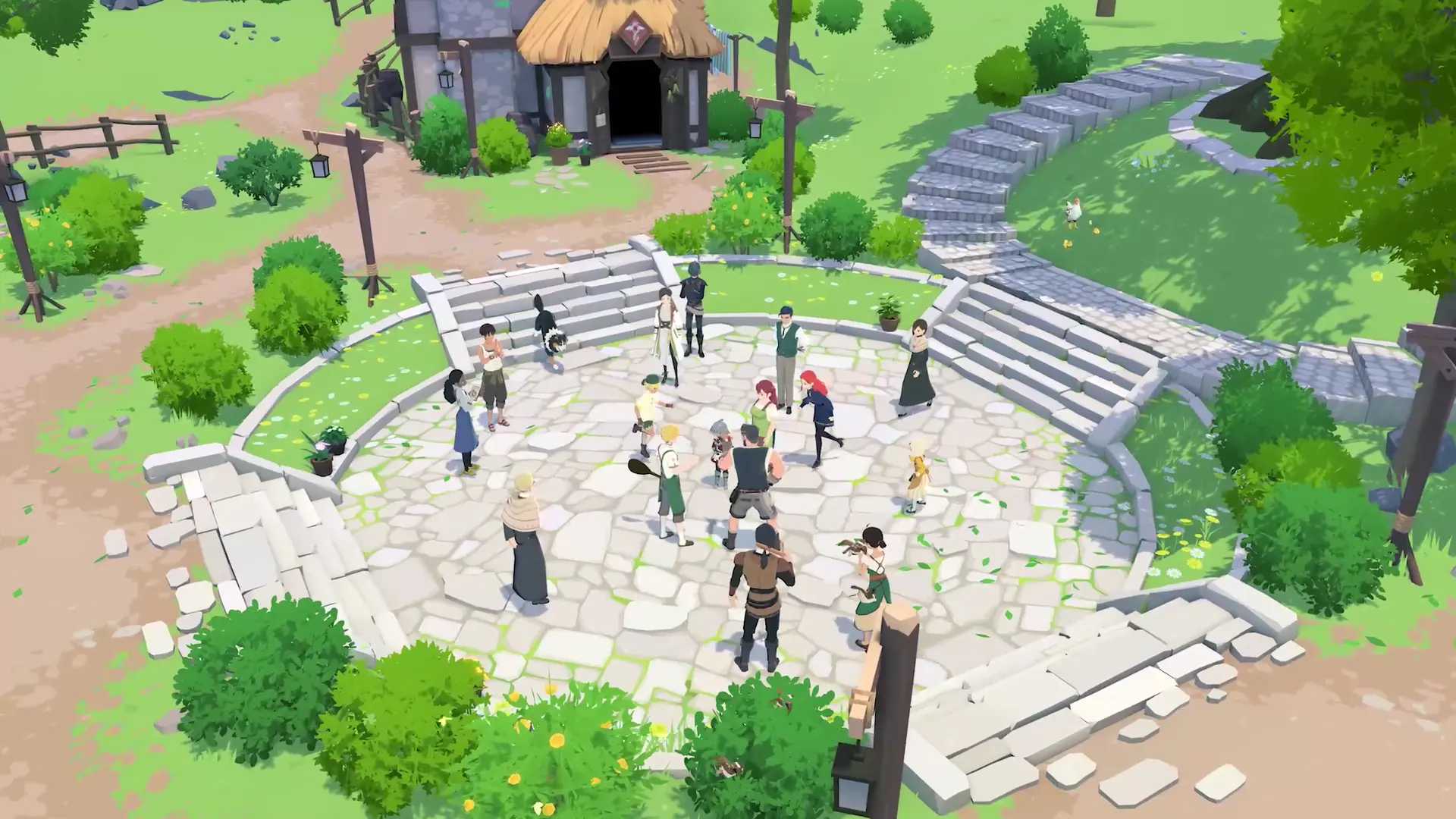
Source · Mabinogi Mobile Official Website
Get Started Now
Lighter guild management, bigger adventures
Create your guild and share the code — that's it.Members join right away, no sign-up needed.
Game images and videos courtesy of the Mabinogi Mobile official website.© NEXON Korea Corp. & devCAT CO., LTD. All rights reserved.Moanogi is an unofficial fan service not affiliated with NEXON.